Tally Payment Approval Workflow: Setup Guide | WisiPay
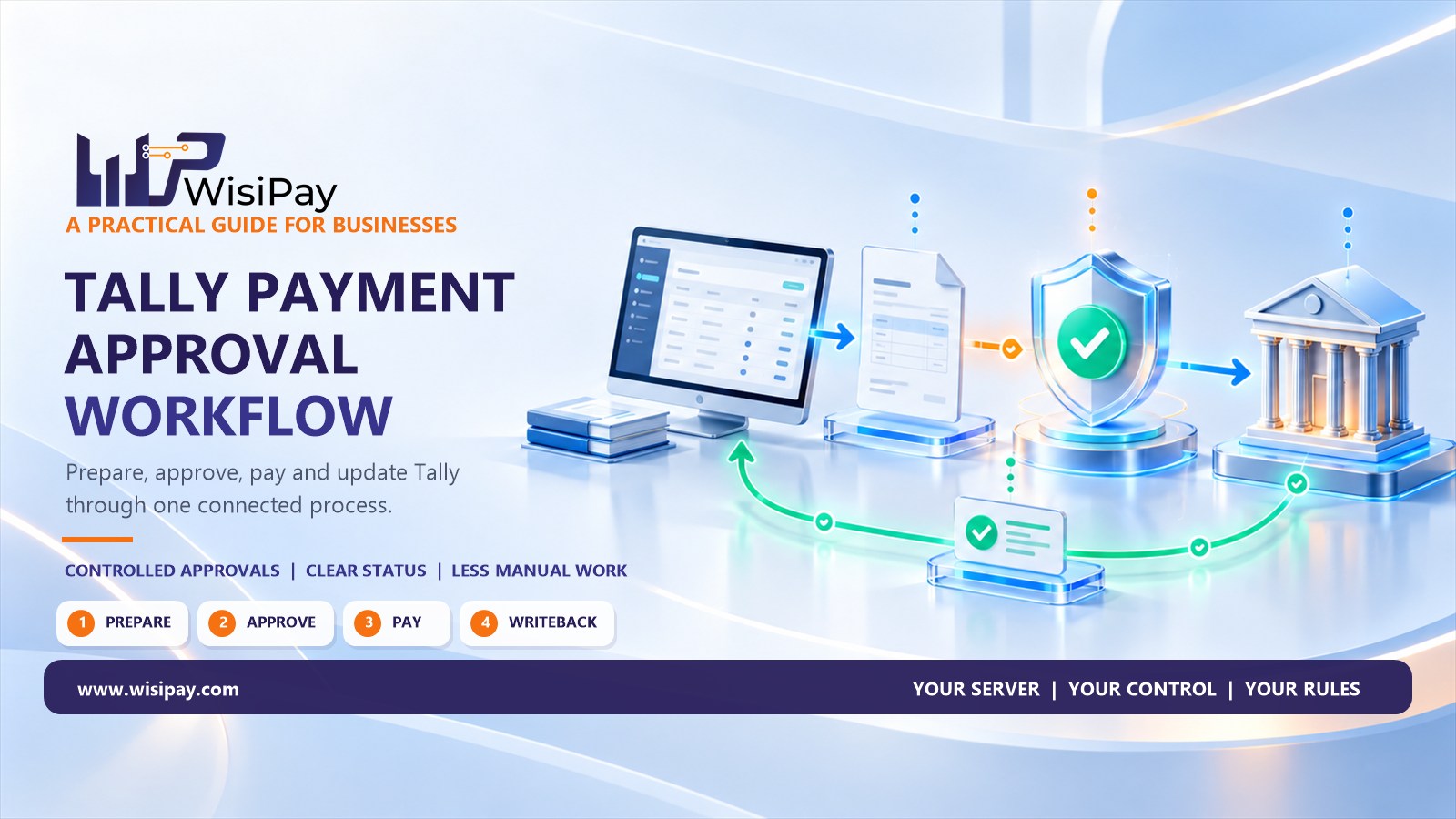
A Tally payment approval workflow connects payment preparation, owner authorisation, payment execution and accounting updates. The accountant prepares the payment, an authorised person reviews the details, and the team tracks the outcome before closing the transaction in its records.
This matters when approval happens outside the accounting system. An accountant might prepare a vendor payment in Tally, send a screenshot to the owner and receive approval over a message. Someone then enters the payment in a banking portal and returns later to update the books.
The process can work, but each handoff creates a question: was the payment released with the same amount, beneficiary and invoice reference that the owner approved?
A structured workflow keeps those details connected. Here is how to design one for your business.
What Should a Tally Payment Approval Workflow Include?
The workflow should make five things clear:
- Who prepares the payment.
- What information the approver reviews.
- Who can authorise its release.
- How the team confirms the payment outcome.
- How that outcome is reflected in Tally.
The exact implementation depends on your Tally version, banking arrangement and connector. The following steps describe recommended process controls; confirm their availability in your chosen setup.
1. Separate Payment Preparation from Approval
Start by assigning responsibilities before choosing software settings.
| Role | Main responsibility | Recommended boundary |
|---|---|---|
| Accountant or payment preparer | Prepare payment details and supporting references | Cannot approve their own payment where independent review is required |
| Owner or authorised approver | Review the amount, beneficiary, purpose and timing | Cannot silently change approved details without another review |
| Payment operator or connected service | Submit the authorised payment | Processes only instructions that meet the approval requirements |
| Reconciliation owner | Match the payment outcome with accounting records | Investigates unresolved transactions before closing them |
A small business may have one owner and one accountant. A larger team may need department heads, finance managers and backup approvers.
Keep individual access identifiable. Shared accounts make it harder to establish who prepared, approved or changed a payment.
2. Define What the Approver Must See
“Please approve ₹75,000” is incomplete payment information. The approver also needs to know who will receive it, why it is payable and when it should be released.
Build a standard review record containing:
- Vendor name and internal vendor reference.
- Invoice or bill references.
- Amount proposed for payment.
- Relevant adjustments or deductions.
- Beneficiary account details, displayed securely.
- Payment purpose and proposed date.
- Supporting documents or references.
- Any recent changes to the beneficiary.
Show the amount that will actually be submitted, particularly when it differs from the original invoice total.
OWASP’s transaction authorisation guidance recommends that users can identify and acknowledge significant transaction details, including the destination account and amount. Read the OWASP Transaction Authorization Cheat Sheet.
3. Write Approval Rules Around Risk
Document which payments need which level of approval. Avoid relying on unwritten habits such as “ask the owner if it looks unusually large.”
Your policy can consider:
| Payment condition | Suggested review approach |
|---|---|
| Routine payment to an established vendor | Review by the designated approver |
| Payment above an internally defined limit | Additional senior approval |
| New beneficiary or changed account details | Independent verification before release |
| Urgent payment outside the normal cycle | Recorded reason and designated exception approval |
| Scheduled or recurring payment | Clear rules for approval scope and future changes |
Set limits according to your business, cash requirements and risk. These are internal policy choices, not universal thresholds.
Also define what happens when an approver is unavailable. A named backup with documented authority is easier to manage than an informal workaround.
4. Require Fresh Approval When Important Details Change
Approval should remain attached to the transaction the reviewer actually checked.
Suppose an accountant prepares a ₹75,000 vendor payment and the owner approves it. Before submission, the beneficiary account changes. The earlier approval should not automatically authorise the revised destination.
Design the workflow to require another review when significant fields change, such as:
- Payment amount.
- Beneficiary account.
- Vendor identity.
- Included invoices.
- Release date, where timing affects the approval.
OWASP recommends protecting transaction details from modification during authorisation and describes invalidating or restarting authorisation when transaction data changes. See its transaction integrity guidance.
For beneficiary changes, use an established verification channel. A request arriving from a new email address or phone number should not, by itself, establish that the change is genuine.
5. Keep Approval Status Separate from Payment Status
An approved payment has permission to proceed. It has not necessarily reached the vendor.
Use distinct states so the owner and accountant can understand what has happened:
| State | Meaning |
|---|---|
| Draft | Payment details are being prepared |
| Awaiting approval | The payment is ready for review |
| Approved | The required authorisation is complete |
| Submitted or processing | The instruction has been sent for execution |
| Successful | The payment partner has confirmed the relevant successful outcome |
| Failed | A confirmed failure requires review |
| Unresolved | The available information does not establish the outcome |
Map these states to the terminology used by your bank or payment provider.
If a request times out, investigate its original status before submitting another payment. An unanswered request may still have been processed.
6. Connect the Outcome Back to Tally
The workflow remains incomplete if the bank shows a successful payment while the accountant still sees an unpaid item.
Define how your integration links the payment result to the correct company, vendor, transaction and accounting reference. Specify which fields update automatically and which exceptions require a person to act.
For example, the team should know what to do when:
- Payment succeeds but the accounting update fails.
- A payment reference cannot be matched.
- The connector is temporarily unavailable.
- A duplicate update is received.
- A payment is subsequently reversed.
Automatic payment status writeback and bank-statement reconciliation are related processes, but they answer different questions. Writeback updates the connected record with payment information. Reconciliation checks whether the relevant records agree.
Confirm the exact scope of both in your implementation.
How WisiPay Tally Connect Supports the Process
WISI Tally Connect describes a workflow in which the CA or accountant generates payment instructions directly from Tally, the owner or authorised approver verifies the payment, and the status is written back into Tally once paid.
The product page covers one-off, scheduled and fixed monthly payments. This makes it relevant for businesses looking to connect payment preparation, owner approval and status updates.
Before implementation, confirm compatibility, approval options, supported payment partners and exception handling. Discuss any requirements for multiple approval levels, value limits or beneficiary-change controls rather than assuming they are included.
An Illustrative Vendor Payment Workflow
Consider a distributor preparing to pay a supplier ₹75,000.
Preparation: The accountant selects the relevant bill references and prepares the payment instruction.
Review: The owner checks the supplier, destination account, amount and proposed payment date.
Approval: The owner authorises the reviewed transaction.
Execution: The connected payment process submits the authorised instruction.
Accounting update: The confirmed payment information is linked back to the relevant Tally record through the configured integration.
Exception handling: If payment confirmation or writeback is missing, the transaction remains open for investigation.
The useful control is the connection between these steps. Each person should be able to identify which version was approved, what was submitted and what outcome was recorded.
Test the Workflow Before Using It for Regular Payments
Run a small, controlled pilot before moving an entire payment cycle into the new process.
Include tests for:
- A payment submitted without approval.
- An attempted approval by the preparer.
- A beneficiary change after approval.
- Repeated submission of the same instruction.
- A delayed payment response.
- A successful payment followed by a failed Tally update.
- An unavailable primary approver.
For each test, record the expected result, actual behaviour and person responsible for resolving an exception.
Also review the process after staff changes or integration updates. Approval responsibilities and access should continue to match how the business operates.
Build a Payment Process the Owner and Accountant Can Follow
A useful Tally payment approval workflow gives the accountant a clear preparation process and the owner enough information to make a decision. It also keeps the payment outcome connected to the accounting record.
Start with your roles, approval rules and exception process. Then evaluate how the integration supports them.
Explore WISI Tally Connect to review its payment generation, owner approval and automatic status writeback workflow, or contact WisiPay to discuss your setup.
Frequently Asked Questions
What is a Tally payment approval workflow?
It is a process connecting payment preparation from Tally with authorisation, payment execution and accounting updates. Its purpose is to preserve the link between the reviewed instruction and the recorded payment outcome.
Is creating a payment voucher the same as approving a payment?
Creating an accounting record does not, by itself, establish that the required person authorised a bank payment. Approval depends on the controls configured across the accounting, integration and banking systems.
Can an accountant prepare a payment while the owner approves it?
Yes, that is the preparation-and-approval workflow described for WISI Tally Connect. Confirm how users, permissions and payment release are configured for your business.
Can scheduled payments bypass owner approval?
Scheduling alone should not be treated as permission to pay. Define whether approval applies to each payment or a specific recurring arrangement, and what changes require another review.
What happens if payment succeeds but Tally does not update?
Check the original payment reference and integration records. Resolve the accounting update without initiating another transfer solely because the Tally status is missing.
manoj
admin